


Start with a curve and surface.
The surface sets the domain. A smaller closed curve provides the starting condition.

Computational design / 2024–2026
A parametric design system that turns one closed curve into looping patterns on a chosen surface. Adjustable controls shape the folds; comparative studies reveal how the geometry responds.
Rhino · Grasshopper · Kangaroo · Python / Digital design study
Geometry modelling, growth simulation and documentation of the tests.
Spatial fields, seed preparation & checks
Parametric modelling & connected data flow
Length, bending, collision & surface goals
Vector comparisons & technical diagrams
01 / Project overview
University of Toronto · ARC3201
2024 research, developed in 2026
The investigation centres on control: how to vary the spacing and tightness of folds while keeping the curve on a chosen surface.
The challenge: produce complex, organic geometry without specifying every loop by hand, while retaining useful control over its spacing and shape.
My contribution: I investigated seed preparation, local density controls, and surface adaptation through comparative geometry studies, and brought those studies together in a documented workflow and pavilion proposal.
The result: a configurable Grasshopper definition, comparative studies showing how inputs affect the geometry, and COVE, a conceptual architectural application.
The surface sets the domain. A smaller closed curve provides the starting condition.
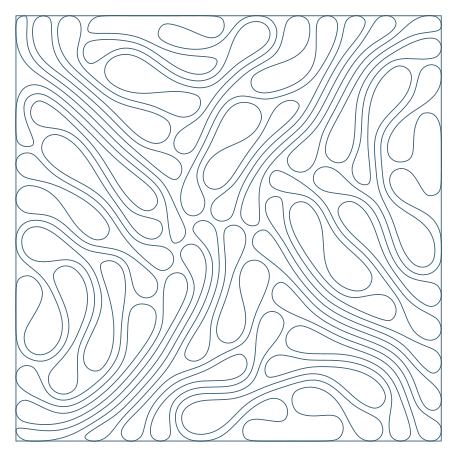
Competing constraints create folds. Local settings influence their spacing and tightness.
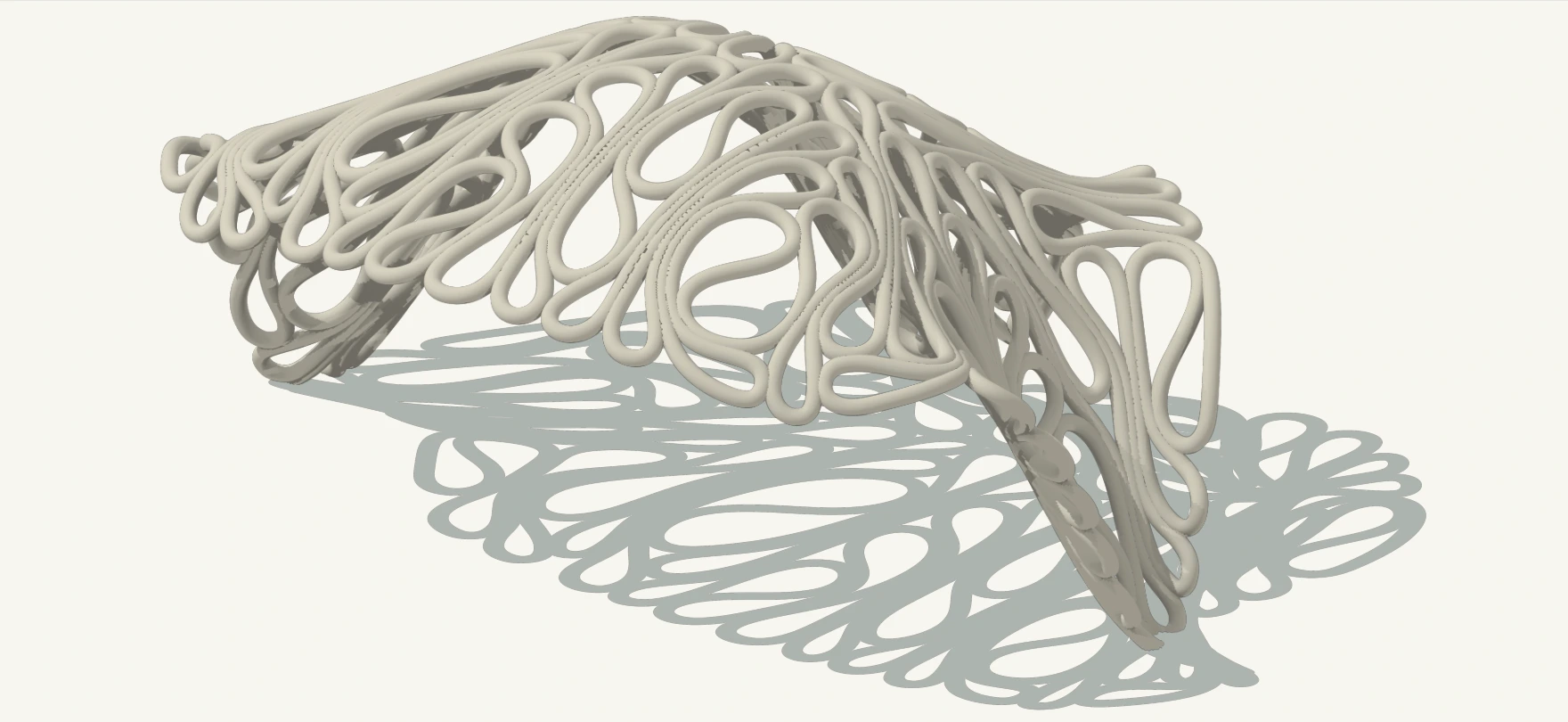
COVE applies the approach to a rounded canopy, giving the curve a tubular volume.
02 / System architecture
The curve is divided into connected segments. Four constraints act together: extend the segments, separate them, resist sharp bends, and keep them on the surface.
A “host” is the surface the curve follows. The solver repeatedly adjusts the connected segments to balance the constraints. The pattern emerges from those adjustments.
A / Prepare
Scale the host boundary. Rebuild, pull to the face, then divide into a fixed segment network.
B / Assign local behaviour
Sample initial midpoints · smooth around the chain
Set the length each segment tries to reach.
Resist overlap in the segment network.
Control resistance to tight folding.
Keep the curve’s points on the host surface.
Repeated updates to particle positions + momentum
C / Inspect
Solver vertices become a closed NURBS. Pause before checking and saving.
The same field function is sampled across the full host mesh. Preview colours show the input field; they do not feed the solver.
03 / Recorded evolution
Compare seven saved curves as the seed folds, spreads across the surface and continues to rearrange.
Select a state to compare the actual exported curve and its measured length. Each drawing uses the same boundary and scale.
A closed curve establishes the starting condition.
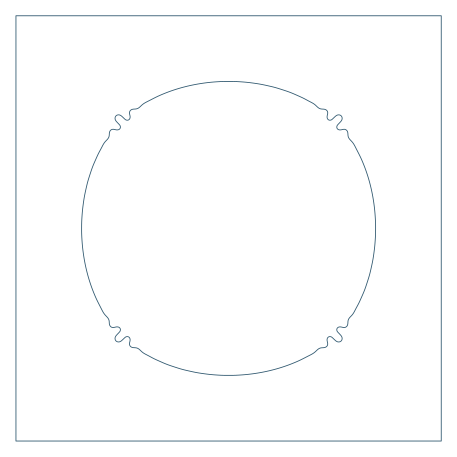
Small deformations appear in four regions of the seed.

Distinct lobes extend toward the corners of the domain.
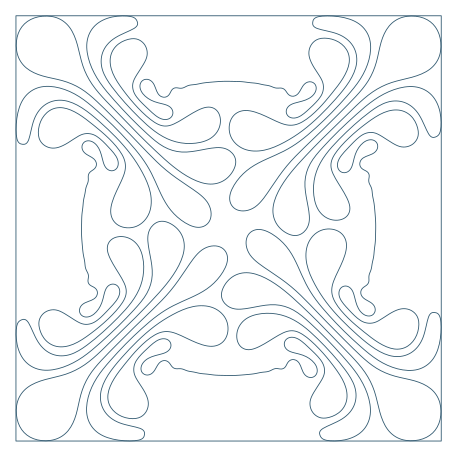
Larger folds spread through the available square.
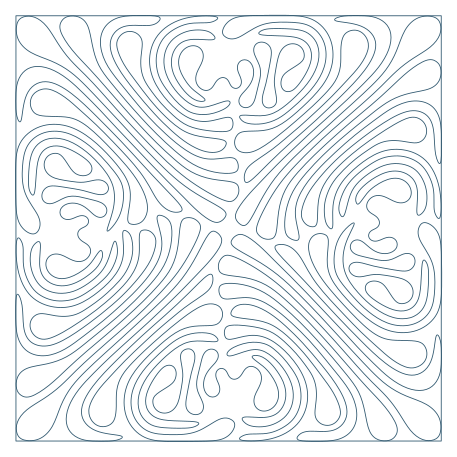
Successive folds form a denser spatial pattern.
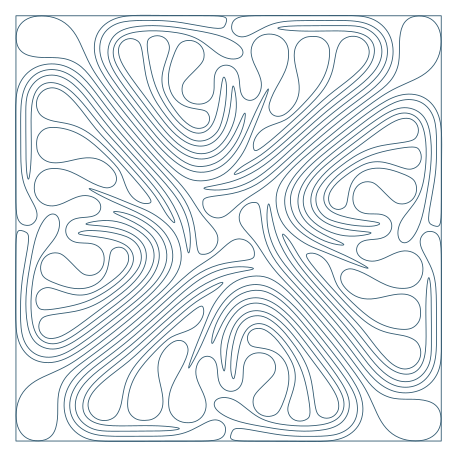
The curve occupies the square with pronounced local bands.
The longer-run export records a rearranged, shorter curve.
Measured from the exports
State 05 reaches 24.39 times the seed length. State 06 is 18.94% shorter, despite representing a longer run.
This measures curve length, not coverage, elapsed time, or convergence.
Download measurements · CSVThese are seven recorded exports, not equal time intervals or a live simulation. Curve lengths were measured using 32-point quadrature of 1,500 cubic Bézier segments per export. Full-precision values are in the CSV.
04 / Local controls
A density field describes where tighter or looser patterns are intended. Uniform values, gradients, points, and guide curves translate that intent into three local controls.
Spacing between segments, their target length, and their resistance to bending.


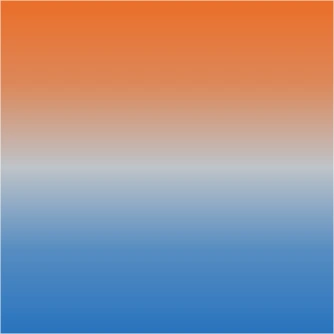
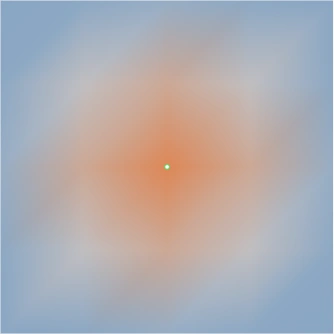
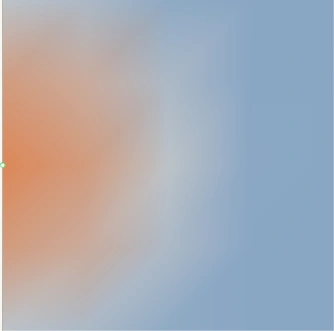

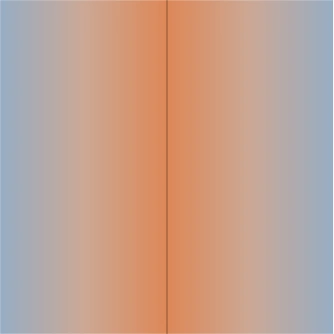
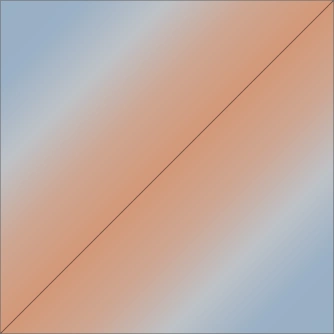
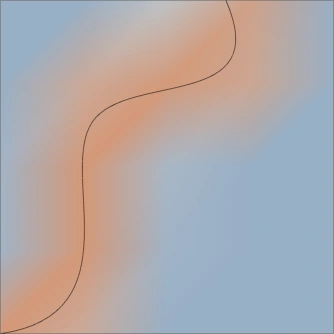
How the field is used. Attractors assign local settings rather than pulling the curve. Values are sampled on the starting segments and travel with them during relaxation.
How to read the studies. Each coloured input field is paired with its corresponding growth export. Colour indicates relative influence, not a measured final density.
The smoothed field becomes a positive multiplier. Each output has its own exponent and clamp. Setting blend to zero restores the scalar baseline.
These are implementation-derived relationships, not measurements of the final pattern.
Dᵢ = contrast ^ (blend × fieldᵢ)

rᵢ / r₀ = clamp(Dᵢ ^ −s, 0.3, 3.0)
ℓᵢ / ℓ₀ = clamp(Dᵢ ^ g, 0.65, 1.5)
kⱼ / k₀ = clamp(D̂ⱼ ^ (−2q), 0.12, 6.0)

D̂ⱼ = √(Dᵢ × Dpaired)
s: spacing contrast
g: local packing boost
q: loop-size contrast
A second control / Collision radius
Compare the spacing and folding in four radius settings.
Radius sets a solver constraint; it is not a measured clearance. The Collider goal does not guarantee that the final smooth curve is free of intersections.
05 / Boundary & surface tests
Four flat outlines and three surface conditions test how the growth method responds to a change in its boundary or supporting surface.
The planar tests change the outline; the surface tests add curvature and twist. Together they show the range of domains represented in the study.
Keep the host definition separate from the growth logic. Geometry supplies the domain; the constraint system develops the curve within it.
06 / Implementation
The implementation repairs the starting curve, keeps segment connectivity fixed and checks the reconstructed output separately from the solver.
Rebuilding can move the seed away from the surface. Pulling it back before division restores placement before the solver starts.
The saved definition begins with 1,500 segments. Local variation comes from goal settings rather than adding vertices, keeping the control logic separate from network resolution.
Constraints act on the segment network, but the final output is a smooth curve. Paused diagnostics check that output for curvature and mesh deviation without modifying the simulation.
The optional export branch saves geometry, settings, metrics, and curve samples, making it possible to retain the context of a result. The matching Grasshopper definition is archived separately.
| Control | Archived study | Current file |
|---|---|---|
| Seed segments / scale | 1,500 / 0.50 | 1,500 / 0.50 |
| Rest length / radius | 10.000 / 1.127 | 10.000 / 1.000 |
| Density blend / contrast | 0.00 / 2.00 | 0.65 / 2.00 |
| Gradient bias / axis | 0.00 / Z | 1.00 / Z |
| Momentum / iterations per update | 0.60 / 30 | 0.60 / 30 |
All four embedded scripts match between the two inspected snapshots. These saved controls have not been verified for every image. The file comparison did not include a new Rhino/Kangaroo run.
07 / Architectural application
For COVE, the growth curve follows a rounded canopy and gains a tubular volume. The digital proposal applies the pattern controls at architectural scale.
A digital design proposal. Model-derived geometry shows the development; conceptual renders explore light, shadow, and human scale.

Context, people, material appearance, and rendered joints are illustrative. These images do not establish structural capacity or construction detail.
08 / Findings & reflection
The studies compare how local controls and host geometry affect the curve. They support a digital design workflow, but do not yet establish structural or fabrication performance.
The definition connects geometry preparation, local parameters and simulation. The exported curves and measurements make the differences between results available for inspection.
Existing paused diagnostics sample 1,000 intervals. Automated coverage measurement, verified clearance, convergence and fabrication feasibility have not yet been established.
Project evidence
The complete document includes mechanics, all study plates, file-state comparisons, and source references.